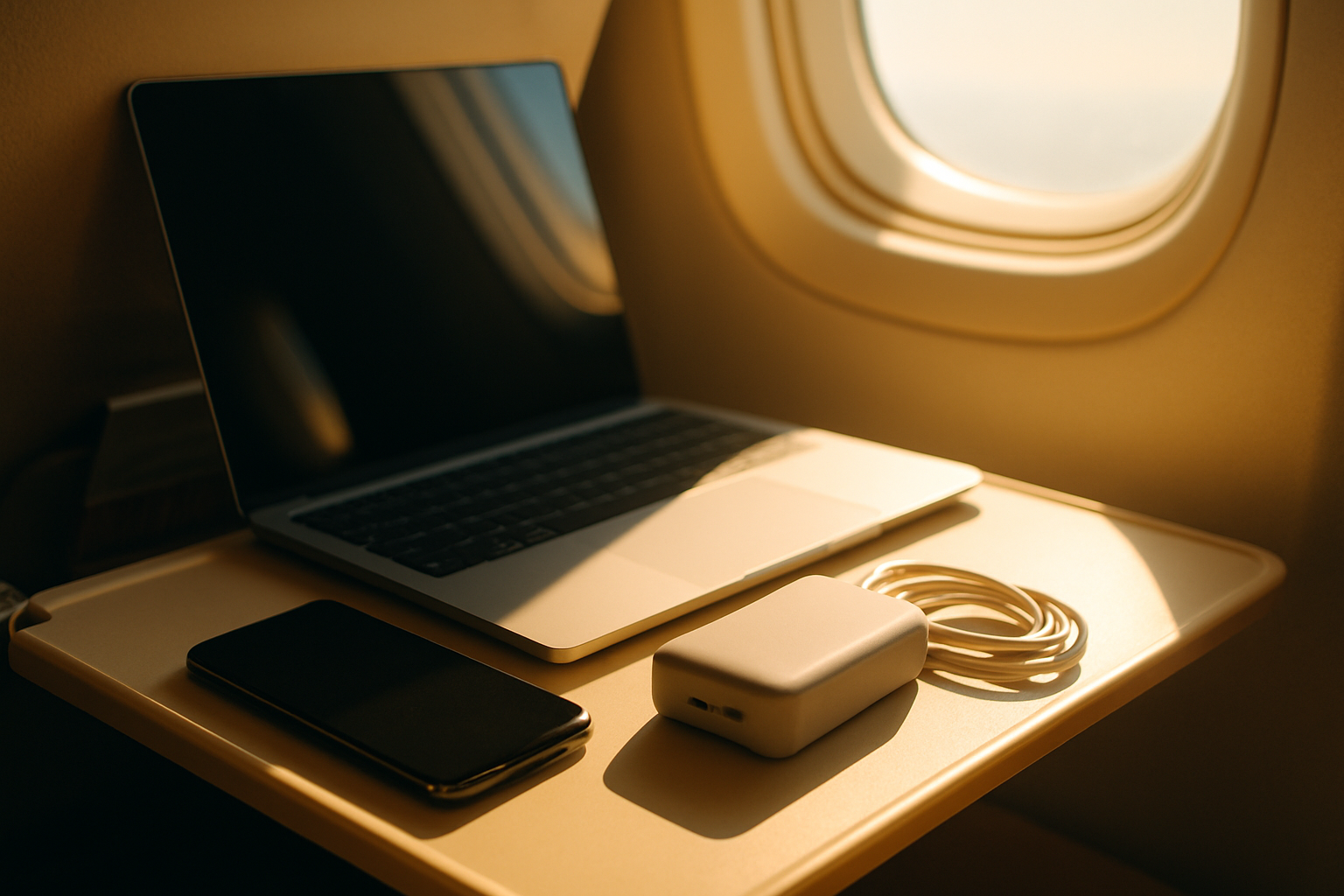
If you need to run a laptop and several devices for an intercontinental flight, pick the power bank that gives higher sustained USB-C output and more useful ports; for most remote workers that will be the one designed to prioritise laptop charging and simultaneous outputs. If you value lighter carry, a simpler travel routine and built-in wall charging, choose the smaller, more compact option.
How to read charging throughput without getting fooled
Product pages list peak wattage: that number tells you what happens for seconds, not hours. What matters on a 10 to 14 hour flight is sustained output under load, the power distribution when multiple ports are used, and whether the unit can actually charge while it is itself being charged (pass-through charging). None of those are reliably conveyed by a single headline watt figure.
Think in three practical steps. First, check the specification sheet for sustained USB-C Power Delivery (PD) outputs per port and total simultaneous output. Second, look for manufacturer text about thermal management and whether the bank will reduce output if it gets hot; that reduction is what kills long-duration charging. Third, verify pass-through behaviour if you plan to top the bank from a seat power socket while charging devices.
When you compare the two models named here, treat their listed figures as starting points. Don't assume the highest single-port number means the bank will run two laptops at that rate. Ask these questions instead: how many high-wattage USB-C ports are there, what is the combined output when you use them together, and does the bank promise continuous output long enough to span your flight?
How to measure or estimate real throughput for your setup: convert the bank capacity to watt-hours (Wh) if not already shown (see the airline section for the formula), then divide by your device's average draw. Allow for conversion losses: 85 to 95 percent efficiency is realistic depending on cable and voltage conversion. So if you need an approximate runtime, use Wh times 0.9 and divide by your laptop's watt consumption.
Simultaneous charging: how many devices can you actually run
Digital nomads rarely travel with a single device. You probably have a laptop, phone, maybe a tablet or camera battery pack. What matters is how the power bank splits its available juice across ports. Some banks advertise a 100W USB-C port plus a second 60W port; that does not mean you can run a 90W laptop and a 60W laptop at the same time. Most banks cap combined output below the sum of single-port peaks.
Look for the fine print: manufacturers usually list a 'total output' figure. That number is the actual limit when you plug multiple devices in. If the total is, say, 100W and the left port is 65W and the right 45W when used solo, both ports together will be subject to the 100W cap. The practical effect on a flight is simple: one device - usually the laptop - gets priority, and phones top up more slowly.
For remote work you need two things: a port that will supply your laptop's required draw without throttling, and at least one other port that will keep your phone or tablet charged through the trip. If you regularly run a 65W to 100W laptop and like to keep a phone at 80 to 90 percent, prefer banks that guarantee sustained 60W-plus output on a single port while offering a meaningful combined output for simultaneous charging.
- Bring the right cables: a high-quality USB-C to USB-C cable rated for 100W is essential if you expect laptop-level charging.
- Use the laptop's power settings: lower screen brightness and unplug external drives to reduce watt draw when you're on battery power from a bank.
- Test a short session before you travel: measure how long the bank holds above the laptop's minimum charging threshold.
Airline rules and carrying them through security
Airline rules are the single most important operational constraint. Most carriers follow the International Air Transport Association guidance that power banks with a rating up to 100 Wh are allowed in carry-on without prior approval; units between 100 Wh and 160 Wh may be permitted with airline approval; anything above 160 Wh is generally forbidden. Double-check the airline's published policy before you travel because some carriers are stricter.
If a product lists capacity in milliampere-hours (mAh) rather than watt-hours, convert it before you board. The conversion is
Wh = (mAh / 1000) x nominal voltage. The nominal voltage is usually 3.7 volts for the lithium cells inside most power banks. So, as an illustration, a 26,000 mAh rating converts as follows: 26,000 divided by 1,000 gives 26. Multiply by 3.7 and you get about 96.2 Wh. That matters because a bank that looks big in mAh can still be under the 100 Wh rule.
- Before you leave: check the bank's case or label for the Wh rating. If it's not printed, check the manufacturer's specification page and screenshot it for security staff.
- Carry on only: always place power banks in your hand luggage. Checked baggage is the most common route to confiscation for portable batteries.
- If your bank is between 100 Wh and 160 Wh: contact the airline in advance, explain you want to carry an external battery, and follow their instructions. Don't rely on airport staff to negotiate at the gate.
- Have a backup: carry a smaller 100 Wh or under bank so you have power even if the larger unit is questioned at the gate.
Security staff may ask to see the specifications or to switch the unit on. Keep documentation handy and be ready to demonstrate the Wh rating. If an airline refuses a bank with a valid rating, accept the decision and use the backup; arguing at the gate rarely ends well for your battery.
Durability and day-to-day reliability
Long-haul flights test two kinds of durability: physical build and electrical longevity. The first is obvious - how well the case stands up to being tumbled in a carry-on and used in seat pockets. The second matters more to a nomad: how many charge cycles before capacity degrades, and whether connectors remain firm after months of travel.
Pay attention to case materials, connector reinforcement and whether the device has recessed ports or rubber flaps. Small design choices matter: an exposed USB-C port that sits proud of the case is more likely to bend if the bank is squashed inside a packed bag. Look for models that use metal alloy shells or high-quality ABS with chamfered edges around ports.
On the electrical side, keep these practices in mind. Avoid charging and discharging at extreme temperatures; airlines cabin temperature is usually fine, but a bag left in a hot car is not. Use the bank's recommended cables. Store the bank with a partial charge rather than full or empty if you won't use it for months; that preserves cycle life.
Finally, check warranty and support. A longer warranty is a proxy for confidence. But the warranty is only useful if service is straightforward internationally; verify how the manufacturer handles returns or repairs abroad before you rely on that promise on a multi-city trip.
If security or the airline says no: what to do mid-trip
If you're told the bank cannot travel, there are three realistic responses. First, switch to the compact backup bank you brought. Second, ask if the airline can hold the device for collection at the destination; some will, some will not. Third, if the unit is confiscated, document the interaction and keep receipts - some home insurance policies or travel insurance may cover theft or confiscation in a limited way.
Before boarding, create a lightweight plan so you're not improvising at the gate. Put a printed or screenshot copy of the bank's spec sheet and the Wh conversion on your phone in the same folder as your boarding pass. If a gate agent demands the bank be left behind, ask for the reason and record the agent's name; that makes it easier to dispute the decision later if it seems incorrect.
If your devices have low batteries and the gate denies the bank, ship a small emergency charger in your carry-on allowance before you leave home, or buy a single-purpose sub-100 Wh charger in the departure terminal. Airport shops typically stock basic power banks and replacement cables.
For losses or confiscation at foreign airports, check your travel insurance policy to see whether small electronics are covered, and keep the paperwork. You can find a starting point for policies that might cover gadget loss here: an appropriate anchor phrase.
Worked example: a 12-hour flight with a laptop, phone and tablet
Say you have a laptop that uses an average of 40 to 60 watts in conservative settings while doing email, editing documents and light browsing. Your phone typically needs 10 to 15 watt-hours to reach 80 percent, and your tablet around 15 to 25 watt-hours depending on model and screen brightness. For this illustration we'll use round, plausible numbers to show how to plan.
Step 1: calculate available energy. If a bank shows 100 Wh, assume you can use roughly 90 Wh after conversion losses. Step 2: estimate consumption. If the laptop draws 50 W on average and you want it alive for 8 hours, that is 50 W times 8 hours = 400 Wh, which is far more than a single bank will supply. The practical strategy is to prioritise low-power use on the laptop, use airplane power when available, and spread charging across devices.
Step 3: mix and match. On a 12-hour flight you will likely only use a bank to extend laptop uptime through several critical hours - the start of the flight, an in-air meeting, then maybe the approach. If you must run a laptop for four to six hours at 40 to 60 W, choose a bank that can supply your laptop's draw for those hours rather than one that offers many phone-topups but no sustained laptop output. For phones and tablets, a single full charge from a bank typically requires 10 to 25 Wh each. That means a 100 Wh bank could reasonably top a phone twice and a tablet once, while still supporting a few hours of light laptop use if the bank provides a 60W port.
The takeaway: if your work session requires continuous 60W-plus charging for several hours, you need a bank that guarantees desktop-class output and will maintain it when something else is plugged in. If you only need to top your laptop for an hour or two and then keep a phone charged, a smaller, lighter bank will do the job and will be easier to carry through security.
Which one should you pick as a digital nomad
Stop asking which model is technically better and start with what you actually do on a plane. The meaningful choices are these: do you prioritise sustained laptop charging and the ability to charge multiple devices at sensible speeds, or is compactness and simplicity more valuable?
If your work routinely needs a laptop at 60W or more for long sessions, favour the model designed to deliver higher sustained USB-C PD output and offer multiple high-wattage ports. That design will let you run or top a laptop while still keeping a phone and tablet ticking over. Expect that model to be heavier and slightly bother to carry through airport checks, but it will reduce scrabbling for seat power mid-flight.
If you mostly need to keep a laptop alive for short bursts, prefer a lighter model with a built-in wall plug or compact form factor. A smaller bank that slips into a shoulder pocket and includes its own AC plug reduces the number of cables you carry and simplifies airport security. You give up top-end simultaneous output in return for less bulk.
Practical checklist to decide:
- Identify your laptop's normal charging draw in watts (check the charger brick for the wattage rating).
- Decide your required in-flight laptop hours at that draw.
- Choose the bank that can deliver that single-port sustained output and still has a meaningful combined output for other devices.
- Confirm the bank's Wh is within airline limits for carry-on, and bring a sub-100 Wh backup.
- Pick the lighter bank only if your laptop sessions are short or you can rely on seat power for extended work.
That flow will point most remote workers to the higher-throughput option if they truly need long running sessions, and to the compact option if portability and simplicity are the priority. For multi-device travellers who need to keep a laptop, phone and tablet alive without hunting for power sockets, the higher-throughput choice is the safer bet. If you cross-reference spec sheets and confirm total simultaneous output, the decision will be practical rather than emotional.
Frequently asked questions
Can I put a high-capacity power bank in checked baggage?
No. Airlines require you to carry power banks in your hand luggage. Checked baggage is not accepted for portable lithium battery packs because of fire risk.
How do I calculate watt-hours if I only have mAh on the label?
Use Wh = (mAh / 1000) x nominal voltage. Most power banks use a 3.7 volt cell. So divide the mAh by 1,000 and multiply by 3.7 to get Wh, then compare that to your airline's limit.
What if the gate agent still refuses my bank despite documentation?
Comply and move to your backup plan. Ask for the reason and the agent's name, keep copies of any documentation, and consider lodging a complaint with the airline after the flight if you believe the refusal was incorrect.
Should I bring a charger with an AC plug built in for flights?
A built-in plug reduces cable clutter and can speed up charging in airport lounges or hotel rooms. It is worth considering if you value convenience over carrying the absolute highest-capacity bank.
Will airports or airlines test the power bank by switching it on?
They may ask you to turn it on to prove it works and to verify the specifications. Have the product spec sheet or a screenshot ready so you can show the Wh rating quickly.