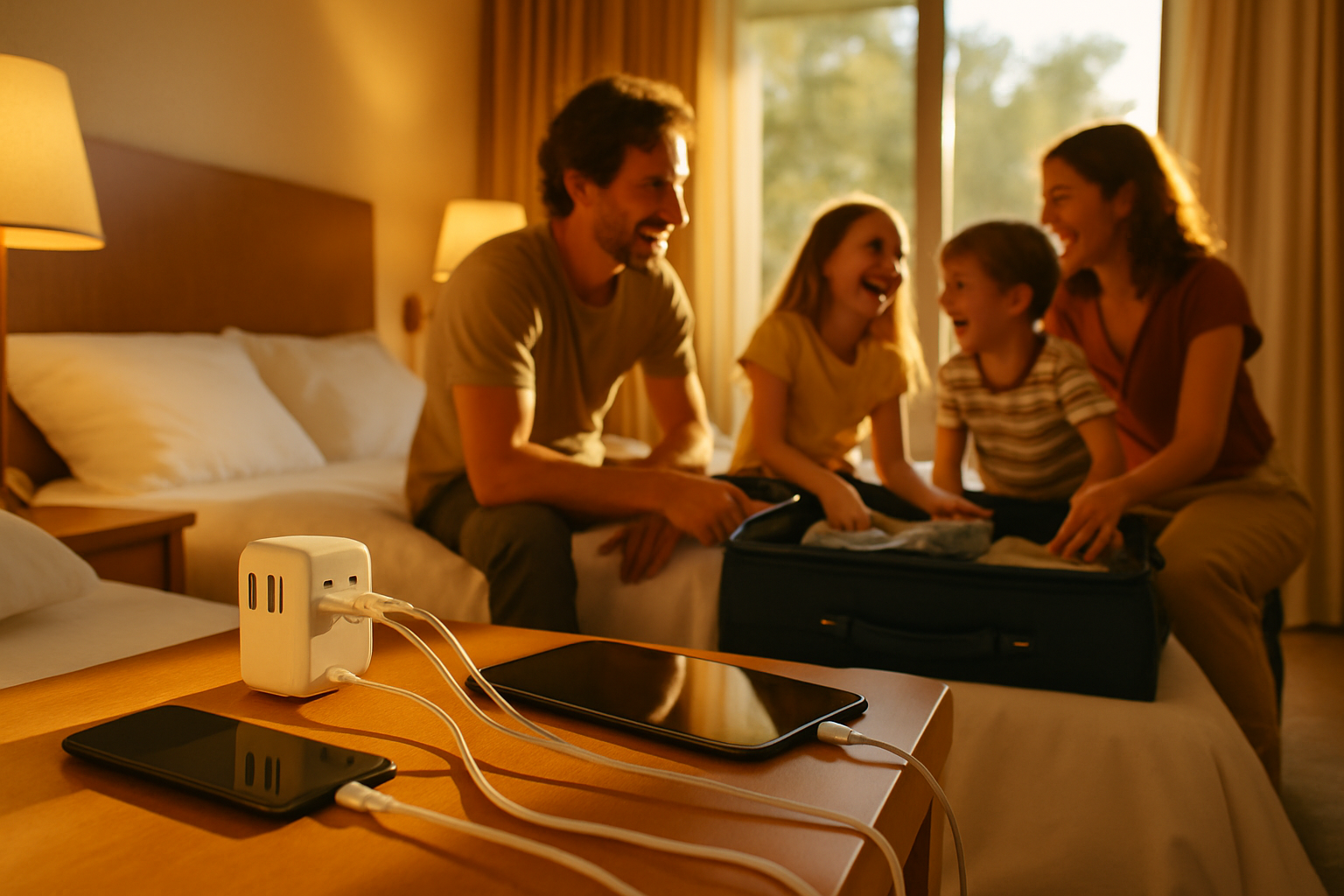
Short answer: if you want one compact device that will reliably charge phones, tablets and at least one laptop for a family, pick the Zendure Passport II Pro for its stronger USB-C power delivery and full grounding where it matters. The EPICKA is a sensible, mid-priced alternative that covers most family needs if you do not need high-watt laptop charging, and the Kikkerland is best as a light, cheap backup for basic devices but not as your primary family charger.
How I'm comparing these three for a family trip
This article focuses on what families actually do: charge multiple phones, power a tablet or two for kids, run a laptop for remote work, and occasionally plug in a travel hairdryer or camera battery charger. The four practical tests I use are USB-C power delivery, grounded AC support, surge protection and day-to-day ease of use in hotels, airport lounges and holiday lets across Europe, North America and Asia.
I do not quote claimed wattages or invent test figures. Instead I explain the decisive behaviours you get from each product and what to check on the manufacturer page before you buy. Small differences in lab specs matter less than whether an adapter gives you true USB-C PD that can charge a laptop while running other ports, whether the AC socket is properly earthed, and whether the unit is easy to use with limited sockets.
USB-C power delivery: what families actually need
USB-C power delivery, shortened to PD, is the fast-charging standard that can carry enough power to charge phones quickly and, on some adapters, high-powered laptops. For families the key questions are twofold: does the adapter have one or more USB-C PD ports, and can those ports deliver enough power at the same time you use other outputs?
If you only need to top up phones and a tablet, any adapter with USB-C PD will do. Trouble starts when one adult wants to work on a laptop while the rest of the family charges phones and a tablet. Some adapters split available power between all ports. That means a laptop may charge slowly or not at all when several devices draw power. Also check whether a USB-C port is full PD or a lower-power variant; the difference shows up as "charges slowly" versus "charges like at home".
How the three compare in practice. The Zendure model is designed as a power hub with robust USB-C PD capabilities and smarter power-sharing. For a family that needs to charge a laptop and several phones at once, that makes a noticeable difference in convenience. EPICKA sits in the middle: it commonly includes USB-C PD enough for phones and many laptops, but may slow under full load. Kikkerland tends to be basic: useful for phones and small devices but not reliable as a primary laptop charger.
Grounded AC support and when it matters
Grounding, or earthing, matters for equipment that needs a safety connection to the earth pin. Many modern chargers and USB devices are double-insulated and do not strictly need an earth. Some appliances, like certain hairdryers, irons, or older audio equipment, do. If you travel with a powered camera battery charger or a laptop power brick that relies on a grounded socket, you want an adapter that preserves the earth connection.
Zendure's design prioritises grounded AC sockets in the main plug formats. That means you are less likely to lose the earth pin when you travel between Europe, North America and Asia. EPICKA usually offers grounded sockets in most regions, but some cheaper variants remove full earthing to save cost and space. Kikkerland's smaller units frequently provide the convenience of a simple plug conversion, but often without a proper live-earth-neutral mapping or with a non-rewireable, ungrounded socket.
Practical rule: if any device you bring has a three-pin plug in its home country, assume it needs a grounded adapter. That is the one time to favour an adapter that explicitly lists grounding support and recognised safety marks for the countries you are visiting.
Surge protection: what it does and what it doesn't
Surge protection guards against short, sharp spikes in mains voltage that can fry electronics. It helps when the building wiring is old or a power cut creates a spike when the supply returns. Families often underestimate this: kids' tablets are expensive to replace and a surge can destroy several devices at once.
There are two practical limits. First, not every "surge protected" travel adapter offers the same level of protection. Some include basic MOVs or resettable fuses that reduce the risk of catastrophic failure; others simply have a label. Second, surge protection is not the same as a voltage converter. If you plug a single-voltage hairdryer designed only for one voltage range into a socket with higher voltage, a surge protector does not fix that.
Zendure tends to include higher-quality surge protection and clear statements about its level of protection in its documentation. EPICKA often includes basic surge suppression suitable for most consumer gear. Kikkerland models rarely prioritise robust surge protection; they are designed to be small and cheap rather than protective hubs. For families, where several devices are plugged in simultaneously, investing in an adapter with credible surge protection is sensible.
Real-world ease of use in Europe, North America and Asia
Different regions present different practical obstacles. In Europe you will see a variety of socket types in older hotels and in rural accommodations. North America uses two flat pins and sometimes a grounding pin; many modern US hotel rooms will have open sockets but limited numbers. In parts of Asia you can encounter mixed styles and older sockets with recessed earth pins. The universal adapter's physical design determines how well it copes.
Consider size and the way plug pins deploy. A chunky adapter can block neighbouring sockets on a power strip or a hotel wall plate. Slide-out or rotating plug mechanisms are convenient but can jam or wear after heavy use. If you travel with children, you will use these units more often and the extra thickness or fiddly sliders quickly becomes annoying.
Zendure focuses on compact power-conversion with well-designed plug mechanics and a profile that usually leaves the neighbouring socket free. EPICKA's form factor is practical for family packing but may be bulkier in some models. Kikkerland's small units win on space and price, yet they can be fiddly to insert into recessed sockets and may partially block adjacent sockets, especially on older hotel wall plates.
Worked example: a two-week trip that hits Spain, New York and Tokyo
Say you are a family of four departing from the UK with two adults and two children. You have two smartphones, a tablet used on flights, one parents' laptop for occasional work, a camera with a charger, and a travel hairdryer that is dual-voltage. You want a single adapter solution that keeps the family powered within carry-on limits.
At the hotel in Spain you find three sockets by the bedside and one high wall socket by the desk. A Zendure-style hub lets you plug the laptop into a USB-C PD port on the bedside table and free the two sockets for a hairdryer and a camera charger. If you had chosen a basic Kikkerland unit you would have needed multiple separate adaptors or a small extension lead because it may not provide multiple simultaneous outputs.
In New York you face fewer shapes but often find one shared socket per bed. Here a multi-port charger with at least one high-powered USB-C PD port is golden. The EPICKA will usually suffice if you do not need a full-power laptop charge during a busy sightseeing day. In Tokyo you may find recessed earth pins or mixed sockets in older guesthouses; an adapter that preserves grounding prevents annoying fits and loose connections.
If your flight is delayed or cancelled and you end up in an airport hotel for an extra night, the Zendure option performs better as the family's central charging point. You are not counting on the hotel to supply extra sockets and the stronger PD means you can keep the laptop usable while phones recover.
What can go wrong and how to recover
Small problems are predictable. Pins can jam, sliders can break, ports can stop recognising devices, and surge-protection elements can blow in a way that disables the adapter. Bigger problems are rare but include an adapter failing and damaging a device, a hotel with no grounded sockets, or discovering your high-draw appliance is single-voltage only.
If a port stops working in situ, unplug the unit and test it with another known-good cable and device. If a device shows physical damage or smells burnt, do not attempt to use it. Photograph the damage, check the manufacturer's warranty, and consult your travel insurance if the device is expensive or essential. For travel insurance help, see an appropriate anchor phrase. The insurer will want photos and proof of purchase, and they will ask whether you used a recognised adapter with appropriate safety markings. Keep receipts when you buy an adapter on the road.
If you need immediate power and your adapter is dead, a simple backup plan works: keep one cheap plug adapter in your bag that fits the country you are visiting, plus a small USB multiport power brick in your carry-on. The cheap adaptor will get you back to charging while you arrange a replacement for your main unit.
Checklist: buying and packing an adapter for a family trip
- Check the USB-C PD capability: look for full PD ports and whether the manufacturer explains simultaneous output behaviour.
- Confirm grounded AC support for the plug types you will visit; look for clear statements and safety marks for those regions.
- Read the surge protection explanation: look for specifics rather than a label that simply says "surge protected".
- Assess size and whether it will block neighbouring sockets; if you stay in hotels a lot, prefer compact, low-profile designs.
- Keep one cheap, single-purpose adapter in your luggage as a mechanical spare in case the universal hub fails.
- Store adapters and cables in your carry-on; do not rely on checked baggage for essential charging gear.
- Bring at least one high-quality USB-C cable that supports full PD; cheap cables sometimes limit charging speed.
Which one should your family choose
Make the decision by matching the adapter to how the family uses power on holiday. If you need to keep a laptop usable, charge multiple phones and tablets concurrently, and want an all-in-one solution that behaves like a small bedside charger, the Zendure Passport II Pro is the most family-friendly choice because it is engineered around higher USB-C PD capability, better power management and reliable grounded AC support. That combination reduces the need for extra chargers and gives flexibility when sockets are scarce.
Choose the EPICKA if your family mainly charges phones, tablets and an occasional laptop and you prefer to balance price and capability. It will cover most trips and is a good second option for families who bring a dedicated laptop charger for heavy loads.
Pick the Kikkerland if you want something light, cheap and compact for weekends or as an emergency spare. Do not rely on it as your sole solution for long trips where a laptop or grounded appliances are part of your plan.
Small print and safety notes for families
Remember these concrete points. First, a universal adapter is not a voltage converter. If your hairdryer or iron is single-voltage only, either buy a dual-voltage model or use a purpose-built converter. Second, keep adapters and extension leads away from beds and children's play areas; cords are trip hazards and small hands will inspect every new gadget. Third, check regional safety certifications on the box. Recognised marks are a clue that the unit has been assessed to the relevant standards in the market you visit.
If you buy an adapter on the road, check the return policy before you leave the shop and keep the receipt in your carry-on. That makes replacement or a refund far simpler if something stops working mid-trip.
Frequently asked questions
Do these universal adapters work on aeroplanes?
Most universal travel adapters are designed for mains sockets and are not tailored for aeroplane seat power outlets. Many seat outlets provide USB power and some supply AC but shapes vary by aircraft type. Rely on your adapter only when the airline or airport clearly provides an appropriate mains socket.
Can a surge-protected adapter stop my phone getting damaged?
Yes, good surge protection reduces the risk from short voltage spikes that can damage electronics. It does not protect against a sustained overvoltage or a device plugged into the wrong nominal voltage. For expensive kit, use the adapter and a quality cable and keep receipts and photos in case you need to make a claim.
Is it safe to leave an adapter plugged in overnight with kids in the room?
It is generally safe if the adapter is in good condition and used according to the manufacturer's instructions. Keep cords tidy and out of reach, and do not leave portable heaters, irons or other high-draw appliances unattended. Modern adapters with certification and surge protection are designed for continuous use, but if the unit feels hot to the touch, unplug it and let it cool.
Can I use a single universal adapter for multiple countries on one trip?
Yes, that is the purpose of universal adapters. Ensure the model you buy explicitly lists the plug types for the countries you will visit, and confirm it maintains grounding if you need it. Carry a small, simple backup adapter in case the universal one fails or jams.
What should I do if an adapter breaks while I'm away?
Stop using it immediately. Test your devices on another known-good charger to confirm whether they are intact. Photograph the broken adapter and any damaged device, keep the receipt, and check the vendor warranty and travel insurance. If you need a quick fix, buy a cheap single-country adapter for immediate use and arrange a replacement later.